Why APC UPS Batteries Fail and How to Prevent It
A practical breakdown of the most common APC UPS battery failure causes and the preventive measures needed to maintain runtime and system reliability.
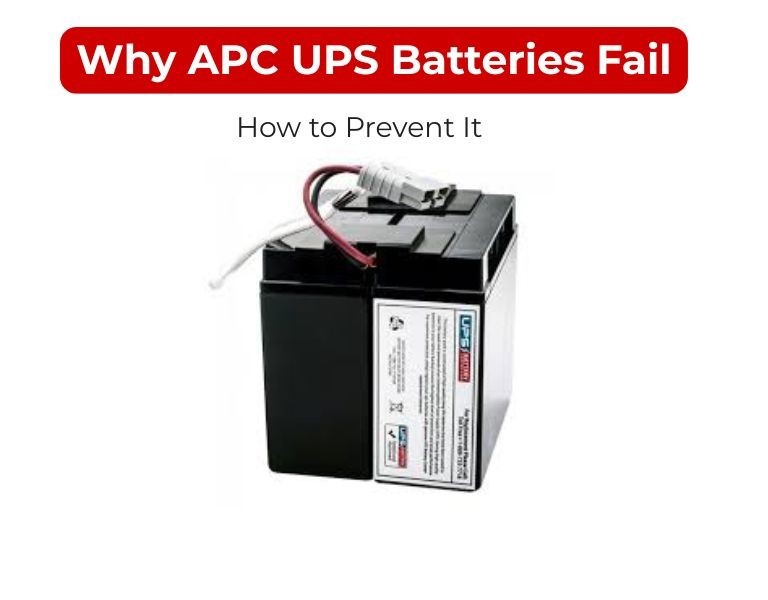
Introduction
APC UPS batteries fail primarily due to heat, aging, overloading, and poor maintenance practices.
Most failures are predictable and avoidable with proper environmental control, load management, and replacement strategy.
Understanding failure modes is key to preventing unexpected downtime.
Use Case / Deployment Fit
Relevant for:
- Server rooms and network racks
- Office UPS deployments
- Data center environments
Use when:
- Investigating reduced runtime
- Planning maintenance strategy
- Reducing risk of unexpected outages
Technical Breakdown
1. Heat (Primary Failure Cause)
Valve-regulated lead-acid (VRLA) batteries are highly sensitive to temperature.
- Optimal operating temperature: ~20–25°C
- Every 10°C increase above this can halve battery life
Common issues:
- Poor rack airflow
- UPS placed near heat-generating servers
- No environmental monitoring
Prevention:
- Maintain controlled ambient temperature
- Ensure proper rack ventilation
- Avoid enclosed, non-ventilated spaces
2. Battery Aging (Natural Degradation)
Even under ideal conditions, UPS batteries degrade over time.
Typical lifecycle:
Symptoms:
- Reduced runtime
- Increased recharge time
- Frequent battery alerts
Prevention:
- Implement scheduled replacement cycles
- Avoid waiting for complete failure
3. Overloading the UPS
Running a UPS near or above capacity stresses batteries.
Impact:
- Faster discharge cycles
- Increased internal heat
- Reduced battery lifespan
Prevention:
- Keep load within 60–80% of UPS capacity
- Recalculate load when adding new equipment
4. Frequent Power Events
Repeated outages or unstable input power cause excessive cycling.
Impact:
- Increased charge/discharge cycles
- Accelerated wear
Prevention:
- Stabilize input power where possible
- Use upstream power conditioning if needed
- Monitor power event frequency
5. Poor Charging Conditions
Improper charging affects battery health.
Causes:
- Faulty UPS charging circuits
- Long-term storage without recharge
- Deep discharge conditions
Prevention:
- Keep UPS powered continuously
- Avoid leaving batteries discharged
- Perform periodic health checks
6. Lack of Maintenance & Monitoring
Unmonitored systems fail unexpectedly.
Common gaps:
- Ignoring UPS alerts
- No runtime testing
- No centralized monitoring
Prevention:
- Use network management cards
- Monitor battery health and runtime trends
- Schedule periodic load testing
Comparison Table (if needed)
| Failure Cause | Impact | Prevention |
|---|
| Heat | Rapid lifespan reduction | Temperature control |
| Aging | Gradual runtime loss | Scheduled replacement |
| Overload | Battery stress | Load management |
| Power events | Cycle wear | Power stabilization |
| Charging issues | Battery damage | Proper charging practices |
| No monitoring | Unexpected failure | Active monitoring |
Limitations & Trade-offs
- Cooling increases operational cost
Lower temperatures improve lifespan but increase energy use - Early replacement vs cost
Replacing batteries early reduces risk but increases expense - Monitoring requires infrastructure
Network cards and tools add upfront cost - Not all failures are predictable
Sudden battery faults can still occur
Procurement Insight
- Choose UPS systems with built-in monitoring capabilities
- Standardize battery replacement cycles across sites
- Maintain spare RBC units for critical systems
- Avoid mixing old and new batteries in the same UPS
- Verify battery freshness before deployment
Organizations managing multiple APC UPS systems often streamline battery sourcing through distributors like DC Supplies to ensure consistent quality and availability across locations.
Real-world Scenarios
Scenario 1: High Temperature Failure
- Environment: Small server room without cooling
- Result: Batteries failed in under 2 years
- Fix: Added cooling + airflow → lifespan normalized
Scenario 2: Overloaded UPS
- Load exceeded 90% capacity
- Result: Rapid runtime drop and battery wear
- Fix: Load redistributed across additional UPS
Scenario 3: No Monitoring
- No alerts configured
- Result: Battery failure discovered during outage
- Fix: Implemented centralized UPS monitoring
Final Recommendation
Most APC UPS battery failures are preventable.
Control temperature, manage load properly, monitor battery health, and replace batteries on a defined schedule.
For business environments, prevention is significantly more cost-effective than reactive replacement.

















Comments (0)
No comment