Signs Your APC UPS Battery Needs Replacement
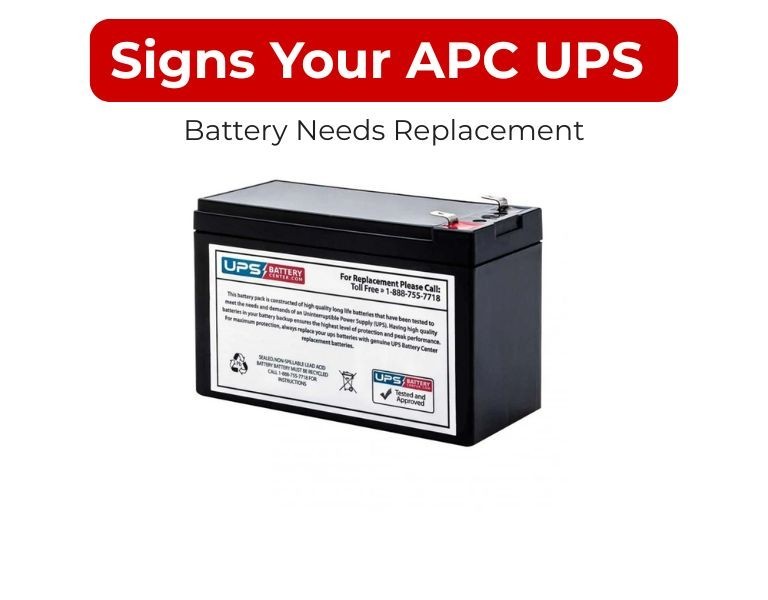
Key indicators that your APC UPS battery is failing, with practical checks to confirm replacement timing and avoid unexpected downtime.
Introduction
APC UPS batteries rarely fail without warning—runtime drop, alerts, and recharge issues appear first.
Ignoring these signs leads to backup failure during outages.
Early identification allows controlled replacement instead of emergency downtime.
Use Case / Deployment Fit
Relevant for:
- Server rooms and network racks
- Office UPS deployments
- Data center environments
Use when:
- Investigating reduced backup time
- Responding to UPS alerts
- Planning battery replacement cycles
Technical Breakdown
1. Reduced Runtime
Most common and reliable indicator.
Symptoms:
- Backup time significantly lower than original
- Systems shut down sooner during outages
Cause:
- Battery capacity degradation
Check:
- Perform controlled runtime test under typical load
2. “Replace Battery” Alert
APC UPS systems generate alerts via:
- Front LCD panel
- Management software / SNMP
Meaning:
- Battery failed internal self-test
- Replacement required soon
Important:
Do not delay replacement after this alert.
3. Frequent Self-Test Failures
UPS performs periodic self-tests.
Symptoms:
- Repeated failure notifications
- Warning logs in management interface
Cause:
- Weak or unstable battery cells
4. Longer Recharge Time
Healthy batteries recharge within expected time.
Warning signs:
- Battery takes unusually long to reach full charge
- Charge percentage fluctuates
Cause:
- Internal resistance increase due to aging
5. Swollen or Leaking Battery (Physical Inspection)
In some cases (during maintenance checks):
Signs:
- Bulging battery casing
- Leakage or corrosion
- Unusual smell
Action:
Immediate replacement required—this is a safety risk.
6. UPS Shuts Down Immediately During Power Loss
Critical failure indicator.
Symptoms:
- No backup despite power outage
- UPS switches off instantly
Cause:
- Battery cannot hold charge
7. Age Exceeds 3–5 Years
Even without visible issues, battery performance declines.
Typical lifecycle:
- 3–5 years under normal conditions
Best practice:
Replace proactively before failure.
8. Increased Fan Activity or Heat
Indirect indicator:
- UPS runs hotter than usual
- Fans operate more frequently
Cause:
- Battery inefficiency increasing internal load
Comparison Table (if needed)
| Sign | Severity | Action Required |
|---|
| Reduced runtime | Medium | Plan replacement |
| Replace battery alert | High | Replace soon |
| Self-test failure | High | Replace immediately |
| Slow recharge | Medium | Monitor / plan |
| Physical damage | Critical | Immediate replacement |
| Instant shutdown | Critical | Immediate replacement |
| Age >5 years | Medium | Preventive replacement |
Limitations & Trade-offs
- Runtime testing requires controlled conditions
Testing under production load may not always be feasible - Alerts are not always immediate
Some failures occur between test cycles - Age-based replacement may seem early
But reduces risk of unexpected failure - Environmental factors vary results
Heat can accelerate degradation beyond expected timeline
Procurement Insight
- Keep spare RBC cartridges for critical systems
- Replace batteries in planned maintenance windows
- Track installation dates across all UPS units
- Avoid mixing old and new batteries
- Verify battery freshness before deployment
IT teams managing multiple APC UPS systems often maintain consistent battery supply through distributors like DC Supplies to avoid delays during replacement cycles.
Real-world Scenarios
Scenario 1: Ignored Runtime Drop
- Runtime reduced from 15 min to 3 min
- No action taken
- Result: System shutdown during outage
Scenario 2: Alert-Based Replacement
- UPS showed “Replace Battery”
- Battery replaced within maintenance window
- Result: No downtime
Scenario 3: Hidden Aging Issue
- No alerts, but battery age = 5 years
- Preventive replacement performed
- Result: Avoided failure during peak hours
Final Recommendation
Do not rely on a single indicator.
If you observe runtime reduction, alerts, or battery age nearing 3–5 years, plan replacement immediately.
For business environments, proactive replacement is significantly more reliable than reacting to failure.

















Comments (0)
No comment