How to Design Power Distribution in a Data Center Rack
A practical guide to designing rack-level power distribution, covering load planning, redundancy, PDU selection, and real-world deployment decisions.
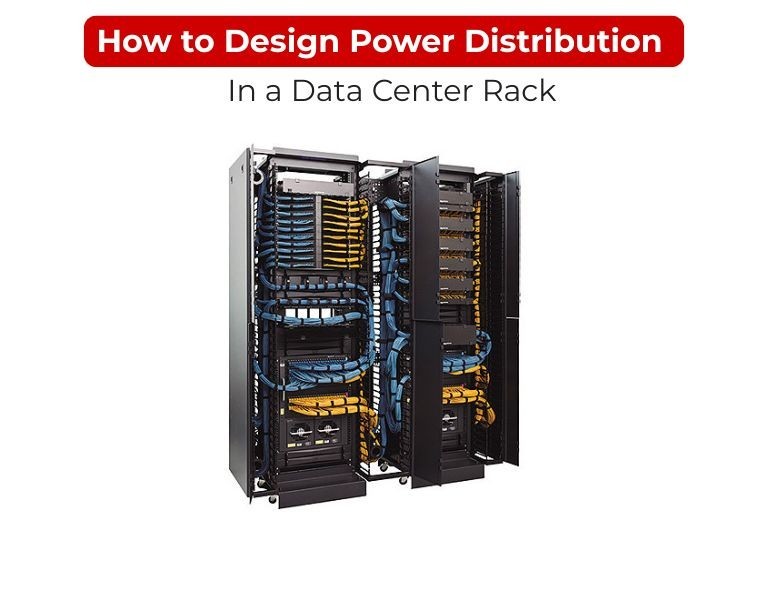
Introduction (direct answer first)
Design rack power distribution by calculating total load, applying redundancy (A/B feeds), and selecting PDUs that match capacity, outlet mix, and monitoring needs.
Start with actual equipment draw—not nameplate ratings—then build in headroom and control.
Use Case / Deployment Fit
Standard enterprise rack
- Dual PDUs (A/B feeds)
- Metered or switched PDUs
- Mixed C13/C19 outlets
High-density rack (blade / GPU)
- High-amperage or 3-phase PDUs
- Outlet-level monitoring
- Strict load balancing across phases
Edge / branch rack
- Single or dual PDU depending on uptime requirement
- Switched PDU for remote management
Technical Breakdown
1. Load Calculation (Foundation Step)
- List all equipment in the rack
- Use real power draw (watts) from specs or monitoring tools
- Avoid relying on PSU maximum ratings
Rule:
Add 20–30% headroom for safety and growth
Example:
- Rack load = 4 kW
- Design target = ~5–5.2 kW
2. Redundancy Design (A/B Power Feeds)
Non-redundant setup
- Single PDU
- Suitable for non-critical environments
Redundant setup (standard in data centers)
- Two PDUs (A and B feed)
- Each connected to separate UPS/circuits
- Dual-PSU devices split across both PDUs
Result: No single point of failure.
3. PDU Capacity Selection
Match PDU rating to load:
- 16A (low density racks)
- 32A (standard enterprise racks)
- 3-phase (high-density deployments)
Key decision:
Do not exceed 80% of circuit capacity for continuous load.
4. Phase Balancing (Critical for 3-Phase)
- Distribute load evenly across all phases
- Avoid phase imbalance → prevents overheating and inefficiency
Best practice:
- Alternate device connections across phases
- Use PDUs with phase-level monitoring
5. Outlet Planning (C13 vs C19)
- C13 → standard servers, switches
- C19 → high-power devices (storage, blade chassis)
Typical enterprise mix:
- Majority C13
- Few C19 for high-load equipment
6. PDU Type Selection
Basic PDU
- No monitoring
- Only for non-critical racks
Metered PDU
- Tracks total load
- Supports capacity planning
Switched PDU
- Remote reboot and control
- Useful for unmanned sites
Metered-by-Outlet
- Per-device visibility
- Required for high-density or colocation billing
7. Cable & Airflow Management
- Use correct cable lengths (avoid excess loops)
- Route power separately from data cables
- Use vertical (0U) PDUs to maximize airflow
Poor cabling directly impacts cooling efficiency.
8. Monitoring & Alerting
Minimum requirement in production:
- Load monitoring
- Threshold alerts (overload risk)
Advanced environments:
- Outlet-level monitoring
- Integration with DCIM tools
Comparison Table
| Design Element | Basic Setup | Enterprise Standard | High-Density Rack |
|---|
| Redundancy | None | A/B feeds | A/B feeds |
| PDU type | Basic | Metered/Switched | Metered-by-outlet |
| Capacity | Low | Medium | High / 3-phase |
| Monitoring | None | Input-level | Per outlet |
| Risk level | High | Controlled | Optimized |
Limitations & Trade-offs
Overdesign risks:
- Higher cost (3-phase, outlet metering)
- Unused capacity
Underdesign risks:
- Circuit overload
- No visibility into power usage
- Downtime due to single feed failure
Most failures in racks are caused by lack of monitoring or improper load distribution, not hardware faults.
Procurement Insight
Focus on standardization across racks, not one-off builds.
- Same PDU models → easier maintenance
- Consistent outlet layout → faster deployment
- Unified monitoring → simpler operations
Typical enterprise approach:
- Core racks → switched + metered PDUs
- Standard racks → metered PDUs
- Edge racks → switched PDUs
Enterprise IT teams often align rack power design with available PDU inventory from distributors like DC Supplies to maintain consistency across deployments.
Real-world Scenarios
Scenario 1: Virtualization Cluster Rack
- Dual 32A PDUs (A/B)
- Switched + monitoring
- Balanced load across both feeds
Scenario 2: AI / GPU Rack
- 3-phase PDUs
- High C19 outlet usage
- Strict phase balancing required
Scenario 3: Network Rack
- Lower load
- Metered PDU sufficient
- Dual feed optional
Scenario 4: Edge Site Rack
- Switched PDU
- Remote reboot capability critical
Final Recommendation
- Calculate real load + headroom
- Always implement A/B redundancy for production
- Choose metered or switched PDUs as baseline
- Use 3-phase only when density requires it
If unsure, default to:
- Dual 0U PDUs (A/B)
- 32A capacity
- Mixed C13/C19 outlets
- At least input-level monitoring
This design covers most enterprise racks without limiting future expansion.

















Comments (0)
No comment