No products
To be determined Shipping
$0.00 Total

Blog Categories
Archives
Latest Posts


A practical guide to sizing an Eaton UPS for offices and server rooms, with clear steps, examples, and expert recommendations.
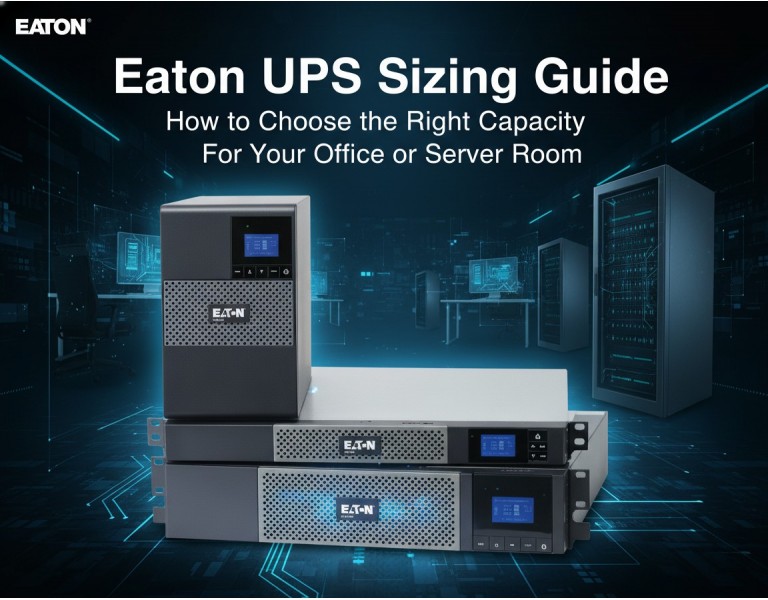
UPS sizing gets confusing quickly. Maybe you’ve added a few new servers, your PoE switches are running hotter than usual, or a brief outage last week dropped your VoIP phones and access points. The problem is simple: most offices and IT rooms either oversize a UPS and overspend, or undersize it and get no meaningful runtime. This guide walks you through picking the right Eaton UPS capacity based on real loads, real power factors, and real business requirements — not theoretical lab specs.
Eaton is known for reliable electrical protection, strong power management software, and UPS models that maintain stable output under mixed IT loads. Their units generally provide better voltage regulation and scalability compared to many entry-level alternatives. Eaton’s line also covers a wide range — from compact line-interactive units for workstations to fully scalable double-conversion systems for server rooms and small data centers.
(Example capacities commonly evaluated for offices & small server rooms)
| Criteria | Eaton 1500VA (Line-Interactive) | Eaton 3000VA (Online Double-Conversion) |
|---|---|---|
| Performance | Good for desktops/edge gear | High stability for servers & storage |
| Reliability | Moderate, AVR-supported | Very high, consistent output |
| Management | USB/Network Card optional | Full network management, advanced logs |
| Power Efficiency | Higher efficiency | Lower efficiency but superior protection |
| Warranty & Support | Standard coverage | Extended options available |
| Price Range | Low–mid | Mid–high |
| Best Use Case | Small office equipment | Server rooms, VoIP, switches, storage |
| Target Business Size | 1–20 users | 20–100+ users |
Pros
Lower cost and simple installation
Good for workstations, small switches, APs
Generally quieter operation
Higher efficiency
Smaller footprint
Cons
Limited runtime on heavier loads
Not ideal for servers or virtualized environments
Less precise voltage conditioning
Pros
Stable, clean power regardless of input fluctuations
Ideal for rack servers, storage, VoIP, and critical switches
Supports network management cards
Better handling of sudden load spikes
Optional extended battery modules
Cons
Higher cost
Generates more heat
Requires more rack depth and ventilation
If you’re protecting desktops, light PoE switches, or general office equipment, a 1500VA unit is typically enough — especially when loads sit below 600–800W. But if you’re running hypervisors, storage arrays, or anything that needs clean and predictable power, the 3000VA class gives you the reliability and runtime you actually need. For mixed Cisco/HP switching, VoIP, and one or two servers, a 2200–3000VA online UPS usually hits the sweet spot. Avoid oversizing unless you're planning hardware growth within 12–18 months.
Design Studio (20–25 users):
One virtualization host running file storage and two managed switches. A 2200–3000VA unit provides enough headroom for short outages and clean shutdowns.
Small Office (10–15 users):
PoE switch powering phones and APs, plus a firewall. A 1500VA line-interactive model can support 10–15 minutes of runtime.
Server Room (40–60 users):
Two stacked switches, VoIP, and multiple VMs. A 3000VA double-conversion UPS with optional expansion batteries ensures stable runtime and proper failover.
Choosing the right Eaton UPS comes down to watts, power factor, and how long your systems must stay online during an outage. Line-interactive fits light office loads, while double-conversion protects critical servers and network infrastructure. Size for your real load, not the label rating, and leave room for growth.
Upgrade your power protection with Eaton UPS solutions, backed by expert guidance from DC Supplies. Whether you’re equipping a small office or securing an entire server room, we help you size the right unit, avoid over-spending, and ensure your network stays online when it matters. Get dependable performance, fast availability, and professional support tailored to your environment. Reach out to DC Supplies to choose the right Eaton UPS for your business.














Comments (0)
No comment