No products
To be determined Shipping
$0.00 Total

Blog Categories
Archives
Latest Posts


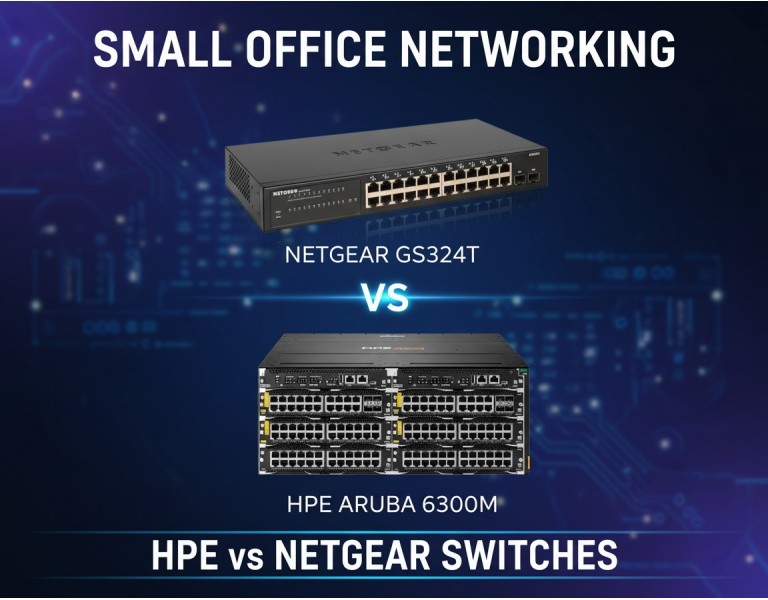
You’re running a small office with 20 to 50 users. Most work happens in cloud apps, video calls, shared files, and maybe a small on-prem server or NAS. The network isn’t huge, but when it slows down, everyone notices. Choosing the wrong switch can mean dropped calls, slow file access, or paying for features you’ll never use.
This decision matters because switches sit at the center of your network for years. A cheaper choice might save money upfront but cost more in downtime or early replacement. A more advanced option might deliver stability and room to grow—but only if you actually need it. This guide compares HPE and Netgear switches from a real-world, small-office perspective to help you get the best return on investment, not just the longest spec sheet.
HPE (Aruba) is known for enterprise-grade networking. Their switches focus on reliability, long lifecycle support, strong management, and consistency across growing networks.
Netgear targets small businesses and offices that want simple deployment, lower upfront cost, and solid performance without dedicated IT staff.
Both brands are proven, but they serve different priorities.
| Category | HPE Switches | Netgear Switches |
|---|---|---|
| Performance | Consistent throughput, strong Layer-2/Layer-3 options | Solid Layer-2 performance, limited Layer-3 |
| Reliability | Enterprise hardware, long service life | Reliable for SMB workloads |
| Management | Advanced CLI, web UI, centralized options | Simple web-based management |
| Power Efficiency | Optimized enterprise power profiles | Low power draw for small setups |
| Warranty & Support | Lifetime hardware warranty on many models | Limited lifetime or multi-year warranty |
| Price Range | Higher upfront cost | Budget-friendly |
| Best Use Case | Offices planning growth or heavy local traffic | Small teams with basic needs |
| Target Business Size | 30–200+ users | 5–50 users |
Pros
Long lifecycle and stable firmware
Strong VLAN, QoS, and security features
Better scalability as the office grows
Lifetime warranty on many models
Cons
Higher upfront cost
More complex configuration
Overkill for very small networks
Pros
Lower purchase cost
Easy setup without network expertise
Quiet operation for office environments
Good value for basic switching
Cons
Limited advanced routing features
Shorter support lifecycle
Less suitable for future expansion
If your office mainly uses cloud apps, VoIP, printers, and shared internet access, Netgear delivers excellent ROI. You get dependable switching without paying for features you won’t touch.
Choose HPE if you expect growth, run local servers, need stronger traffic control, or want hardware that will still be supported many years from now. Paying more upfront makes sense when network stability directly affects productivity.
Don’t overinvest if your network is simple—but don’t underspend if downtime costs real money.
A 20-user accounting office with cloud software and VoIP benefits most from Netgear’s simplicity and lower cost.
A 40-user design studio moving large files locally sees better consistency with HPE.
A small company planning to double staff in two years avoids replacement costs by starting with HPE.
Both HPE and Netgear make reliable switches, but ROI depends on your workload and growth plans. Netgear fits small, stable offices focused on cost control. HPE suits businesses that value long-term reliability and scalability. The right choice is about matching features to real needs, not buying the biggest name.
DC Supplies works closely with small and growing businesses to help them choose network hardware that actually fits their environment. Instead of pushing the most expensive option, our team evaluates your user count, traffic patterns, and future plans to recommend switches that deliver real value. Whether you need a simple Netgear setup for a small office or an HPE solution built to scale, DC Supplies ensures compatibility, proper configuration guidance, and dependable after-sales support—so your network stays reliable as your business grows.














Comments (0)
No comment