No products
To be determined Shipping
$0.00 Total

Blog Categories
Archives
Latest Posts

A practical guide for selecting the right Netgear switch for surveillance networks, comparing performance, PoE needs, and scalability for small to large installations.
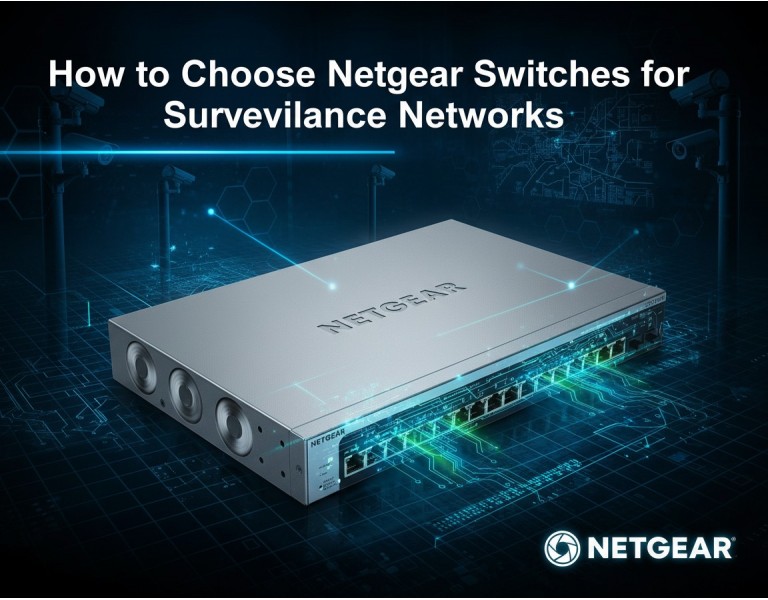
You’re setting up a surveillance network, maybe for a small office, retail store, or a large campus, and the cameras keep dropping frames or failing to connect. Choosing the right switch isn’t just about having enough ports — it’s about PoE power delivery, bandwidth management, reliability, and future scalability. Picking incorrectly can lead to dead cameras, video lag, or network congestion. This guide will walk you through how to choose a Netgear switch specifically for IP camera deployments, highlighting which models work best depending on network size, power requirements, and budget.
Netgear has been a trusted name for networking equipment in SMB and enterprise environments. Their switches are widely used for PoE deployments, offering robust management interfaces and reliability at a competitive price point. Unlike some enterprise brands, Netgear balances performance with ease of setup, which is critical when deploying IP cameras that require consistent power and bandwidth. They also provide models ranging from small unmanaged switches to high-capacity Layer 2/3 managed switches with PoE+, allowing flexibility for any surveillance network size.
| Feature | Netgear GS728TPP | Netgear M4300-28G-PoE+ |
|---|---|---|
| Performance | 1G per port, 24 PoE+ ports | 10G uplinks, 24 PoE+ ports |
| Reliability | Fan-cooled, stable firmware | Redundant PSU, Layer 3 routing |
| Management | Web GUI, SNMP, VLAN support | Advanced Layer 3, CLI, SNMP, RMON |
| Power Efficiency | 370W PoE budget | 380W PoE budget, energy-efficient design |
| Warranty & Support | Lifetime limited | 5-year hardware warranty, 24/7 support |
| Price Range | Mid-range | High-end enterprise |
| Best Use Case | Small/medium offices, retail | Campus, large building, high camera density |
| Target Business Size | 10–50 cameras | 50–150 cameras |
Netgear GS728TPP
Pros:
Affordable and reliable for SMB PoE networks
Easy-to-use web interface
Sufficient PoE budget for up to 24 cameras
Cons:
Limited uplink speeds (1G)
Not ideal for future 10G expansion
Basic Layer 2 features only
Netgear M4300-28G-PoE+
Pros:
Layer 3 switching with routing capabilities
High PoE budget and redundancy
Suitable for large surveillance networks
Cons:
Higher upfront cost
Complex configuration requires trained admin
Fan noise can be noticeable in quiet offices
For small to medium offices with fewer than 50 IP cameras, the GS728TPP is usually sufficient. It delivers enough PoE per port, simple VLAN management, and reliability without overpaying. For campuses or buildings with higher density, multiple floors, or plans for high-resolution cameras, the M4300-28G-PoE+ is better suited due to Layer 3 capabilities, higher throughput, and redundant power options. Always calculate total PoE budget and plan uplink speeds — overinvesting on ports you don’t need is a waste, but underpowering cameras can break the surveillance system.
A 20-camera retail store: GS728TPP delivers stable 1G links with enough PoE to run all cameras, plus VLAN segregation for security.
A university campus with 100 cameras across multiple buildings: M4300-28G-PoE+ allows Layer 3 routing between floors and provides future-proof 10G uplinks for video aggregation.
A small office integrating VoIP phones and surveillance cameras: GS728TPP handles both VoIP and PoE cameras efficiently without separate infrastructure.
Choosing the right Netgear switch for surveillance networks depends on camera count, PoE budget, and network growth. GS728TPP fits SMBs, while M4300-28G-PoE+ suits enterprise deployments. Focus on proper PoE allocation, uplink capacity, and redundancy to avoid dropped frames or dead cameras.
Upgrade your surveillance network with the right Netgear switch today. At DC Supplies, we offer a curated range of switches suitable for small offices, retail stores, and large campus installations. Get expert guidance on PoE budgets, uplinks, and network design — ensuring your cameras run smoothly 24/7. Contact us to match your network needs with the optimal switch model and maximize video reliability.














Comments (0)
No comment