No products
To be determined Shipping
$0.00 Total

Blog Categories
Archives
Latest Posts

A straightforward comparison between APC Smart-UPS and traditional/basic UPS units — when to choose which, and why those choices matter.
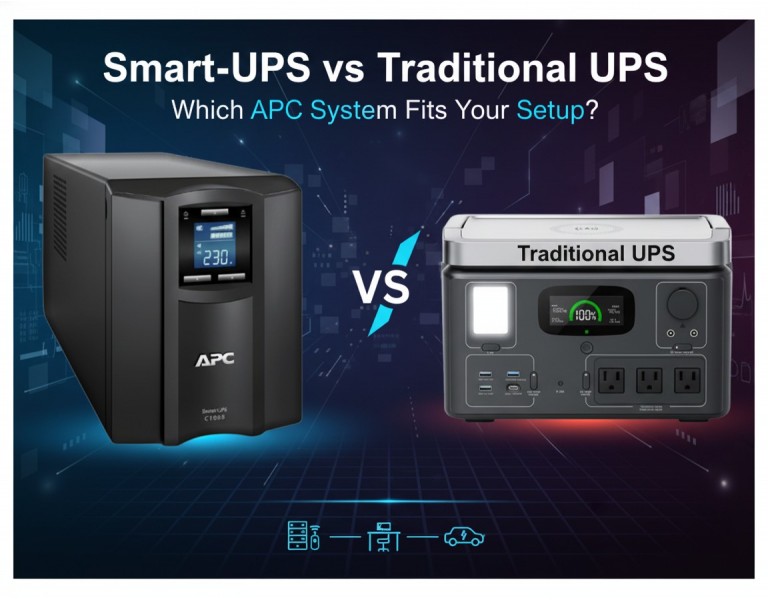
When you’re planning power protection for servers, switches, or even a simple office setup, the type of UPS you pick matters more than most people expect. You might be deciding between APC’s Smart-UPS line and a basic traditional UPS, and on paper they both “provide backup power,” but the real-world experience is drastically different. The right UPS affects uptime, remote manageability, battery longevity, operating cost, and even cooling requirements. This guide breaks down the differences in plain language so you can make the right choice for your network size, budget, and operational needs.
APC’s Smart-UPS series is designed for professional environments where uptime and equipment protection matter — server rooms, network closets, branch offices, and data centers. They provide clean output, advanced battery management, and options for remote monitoring.
Traditional UPS units — including basic standby or simple line-interactive models are built for entry-level use. They protect desktops, small routers, and basic office electronics. They’re affordable but limited in monitoring, efficiency, and long-term reliability.
| Category | APC Smart-UPS | Traditional UPS |
|---|---|---|
| Performance | Pure sine wave, voltage regulation, stable under variable load | Basic output, often simulated sine wave |
| Reliability | Advanced battery management, consistent runtime, hot-swappable options | Limited diagnostics, shorter battery life |
| Remote Monitoring | SmartConnect, SNMP, network cards, email alerts, logs | Minimal or none; local indicators only |
| Energy Efficiency | High-efficiency modes reduce heat and power use | Lower efficiency; higher long-term operating cost |
| Cost-Effectiveness | Higher upfront cost but reduced downtime and lower energy waste | Very low cost but limited protections |
| Scalability | Broad capacity range, optional external battery packs | Fixed capacity; not built for growth |
| Best Use Case | Servers, switches, storage, VoIP, multi-site deployments | Desktops, POS terminals, light office gear |
| Business Size | Small business to enterprise | Home office to small office |
Pros:
Provides clean, regulated output ideal for servers and sensitive hardware
Remote monitoring allows proactive maintenance
Intelligent charging extends battery lifespan
High efficiency lowers heat and electricity usage
Wide range of sizes and runtime options
Cons:
Higher initial cost
More configuration required for network management
Sometimes more capacity than small offices truly need
Pros:
Very budget-friendly
Simple and quick to deploy
Suitable for low-impact devices like PCs and small routers
Cons:
No remote alerts or diagnostics
Lower efficiency and shorter runtime
Not suitable for critical equipment
Limited scalability and visibility
If you’re supporting servers, storage, core switches, or anything powering business-critical tasks, a Smart-UPS is the safer investment. The clean power output alone prevents errors and premature hardware wear, and the remote monitoring features reduce downtime by alerting you to battery wear before it becomes a problem.
If your environment is limited to a couple of desktops, a basic router, or a reception workstation, a traditional UPS is perfectly adequate. It keeps costs low while covering essential devices during short outages.
For multi-site operations — such as retail, healthcare, or branch offices — Smart-UPS models equipped with remote monitoring are especially useful, letting IT teams oversee battery health and plan replacements without sending technicians onsite.
Small Office (Desktops + Wi-Fi Router)
A traditional UPS supports short outages, avoids data loss, and keeps connectivity stable without requiring advanced monitoring.
SME with Server + Switch + VoIP
Smart-UPS offers clean sine-wave output and predictable runtime, helping ensure voice calls, file access, and internal systems stay online.
Branch Retail Sites / Clinics / Warehouses
Smart-UPS with remote management lets centralized IT monitor dozens or hundreds of UPS units across locations, reducing labor and eliminating blind spots.
Enterprise Rack Environments
Smart-UPS ensures stable power for virtualization hosts, storage arrays, and Layer-3 switches, with scalable runtime options and precise monitoring.
A traditional UPS is great for basic office gear, but when uptime, monitoring, and efficiency matter, APC Smart-UPS models deliver far better long-term value. The key is matching your UPS choice to your environment’s actual load and risk — light-duty setups can stay simple, while business-critical systems benefit from the reliability and visibility Smart-UPS provides.














Comments (0)
No comment