No products
To be determined Shipping
$0.00 Total

Blog Categories
Archives
Latest Posts


A practical 2026 guide to choosing the right Eaton UPS—line-interactive vs online, 1kVA to 10kVA sizing, runtime math, and real business scenarios.
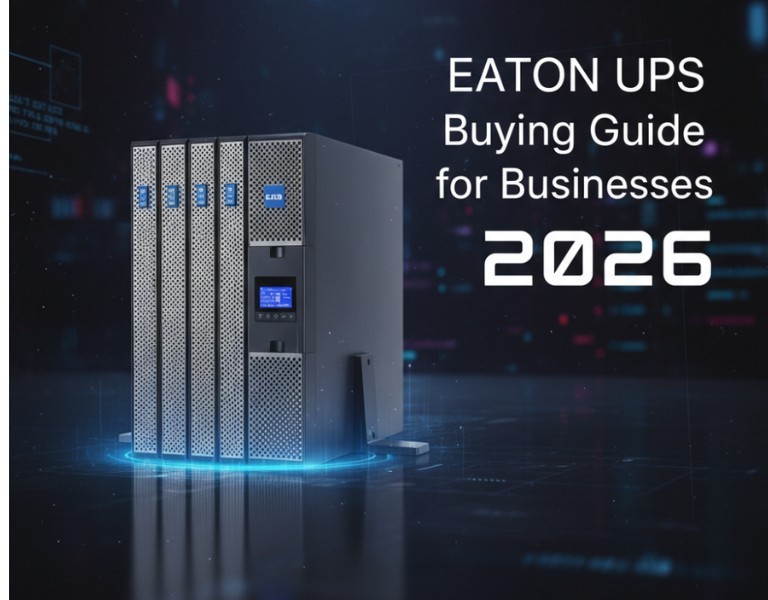
Power issues don’t usually show up as dramatic blackouts. They show up as random server reboots, corrupted databases, failed firmware updates, and network switches that mysteriously lock up. If you're sizing a UPS for your business, the real question isn’t “Which brand is best?” — it’s:
What topology, capacity, and runtime actually fit my load?
This guide breaks down:
Line-interactive vs online double-conversion
1kVA vs 3kVA vs 10kVA use cases
When Eaton makes more sense than APC
How to calculate runtime properly
Real sizing examples for SMB, server rooms, and small data centers
The goal isn’t to push a model. It’s to help you avoid undersizing, overspending, or buying the wrong topology.
Common in SMB deployments and network closets.
How it works:
Utility power feeds equipment directly. The inverter engages during outages. An automatic voltage regulator (AVR) corrects minor fluctuations without using battery.
Best for:
Network switches
Firewalls
Small server stacks
VoIP systems
Offices with relatively stable utility power
Pros
Lower cost
Higher efficiency (typically 95–98%)
Minimal heat output
Smaller footprint
Cons
2–6ms transfer time
Less effective against severe power anomalies
Not ideal for sensitive or mission-critical loads
Standard in server rooms and data centers.
How it works:
Power is continuously converted AC → DC → AC. The load is always running from the inverter. No transfer time during outage.
Best for:
Virtualized servers
Storage arrays
Core switching
Medical / financial systems
Locations with unstable grid power
Pros
0ms transfer time
Clean sine wave output
Full isolation from utility anomalies
Better generator compatibility
Cons
Higher cost
Lower efficiency (typically 93–96%)
More heat output
Quick Rule:
If downtime costs you more than the UPS difference, choose online.
UPS sizing mistakes usually come from confusing kVA and kW.
Modern Eaton units typically run around 0.9 power factor, meaning:
1kVA ≈ 900W
3kVA ≈ 2700W
10kVA ≈ 9000W
Typical Load:
Firewall (50W)
2 switches (100W total)
1 small server (400W)
Total ≈ 550W
A 1kVA unit gives:
Headroom
~10–20 minutes runtime depending on battery pack
Best for:
Small offices (5–20 users)
Retail POS racks
Edge networking
Typical Load:
2 virtualization hosts (1200W)
1 storage array (500W)
Network stack (300W)
Total ≈ 2000W
A 3kVA gives:
Safe operating margin
8–15 minutes base runtime
Expandable battery options
Best for:
20–75 user businesses
On-prem file/VM workloads
Multi-switch PoE deployments
Typical Load:
4–6 hypervisors
SAN/NAS
Core switching
Security stack
Load range: 6–8kW
A 10kVA online UPS:
Handles serious infrastructure
Supports extended battery cabinets
Often supports parallel redundancy
Best for:
75–250 user environments
Manufacturing
Healthcare
Multi-rack server rooms
Most buyers size for capacity but forget runtime.
Add real-world consumption (not PSU rating).
Use actual draw from monitoring tools if possible.
Example:
Server 1: 450W
Server 2: 480W
Switch stack: 220W
Firewall: 60W
Total: 1210W
Ask:
Do I need graceful shutdown (5–10 min)?
Or generator bridge time (15–30 min)?
Or extended outage tolerance (1+ hour)?
Runtime drops fast as load increases.
Example (3kVA class unit):
25% load → ~20–25 minutes
50% load → ~10–12 minutes
80% load → ~5–7 minutes
If you need 20 minutes at 50% load, you’ll likely need external battery modules.
1 virtualization host
1 backup server
3 switches
Firewall
ISP modem
Total load: ~1400W
Recommendation:
3kVA line-interactive if power is stable
3kVA online if outages are frequent
15-minute runtime target
3 hosts
1 SAN
PoE core stack
Security NVR
Load: ~3200W
Recommendation:
6–10kVA online
Minimum 20-minute runtime
Generator compatibility required
6 virtualization nodes
Dual storage arrays
Core switching
Edge routing
Load: 7–8kW
Recommendation:
10kVA online minimum
Consider N+1 redundancy
External battery cabinets
Network card for remote management
Both are established UPS manufacturers. The decision usually comes down to deployment style and infrastructure goals.
You want strong scalability in rack/tower convertible units
You need modular battery expansion flexibility
You prefer intuitive LCD interfaces
You’re deploying in mid-market or distributed branch environments
You want solid performance-to-cost ratio in the 1–10kVA range
You’re standardizing within Schneider ecosystem
You need heavy integration with existing APC PDUs
You operate in very large enterprise environments with global support contracts
In the 1–10kVA SMB range, Eaton often delivers strong value and flexibility. In very large enterprise rollouts, ecosystem alignment sometimes drives the APC decision.
Wide range from 1kVA to 10kVA in rack/tower formats
Strong online double-conversion portfolio
Expandable external battery modules
Good remote management options
Competitive pricing per watt
Online units generate more heat (like all double-conversion systems)
Larger units may require professional installation
Battery replacement costs add up over lifecycle
1kVA–2kVA line-interactive
Focus on graceful shutdown
Avoid oversizing beyond 50% load margin
3kVA–6kVA online if uptime matters
Add network management card
Plan for future 20–30% load growth
10kVA online minimum
Consider redundancy
Plan battery expansion early
If your office mainly runs cloud apps and just needs safe shutdown, don’t overinvest in large online systems.
If you run heavy on-prem virtualization or storage, spend the money on online double-conversion.
Choosing the right Eaton UPS in 2026 isn’t about picking the biggest unit — it’s about matching topology, load, and runtime to your actual risk.
Line-interactive works for stable SMB environments. Online double-conversion protects serious infrastructure. Size based on real watt load, add headroom, and always calculate runtime before buying.
If you size correctly, your UPS becomes invisible — and that’s exactly how it should be.














Comments (0)
No comment