No products
To be determined Shipping
$0.00 Total

Blog Categories
Archives
Latest Posts
Monitor D-Link managed switches with SNMP tools such as PRTG, SolarWinds, Zabbix and LibreNMS, or D-Link Nuclias. See setup steps and what to track.
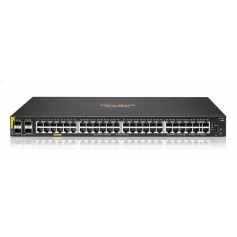
D-Link managed switches support SNMP, so they work with most network monitoring platforms. Popular choices include PRTG, SolarWinds Network Performance Monitor, Zabbix, LibreNMS, ManageEngine OpManager and Nagios. D-Link also offers its own cloud platform, Nuclias, and the D-View management software.
| Tool | Type | Good for |
|---|---|---|
| D-Link Nuclias | Cloud management by D-Link | Businesses using D-Link switches and access points |
| D-View | D-Link management software | On-site D-Link networks |
| PRTG | Commercial, sensor based | Small and mid-size businesses |
| SolarWinds NPM | Commercial, enterprise | Larger networks |
| Zabbix | Open source | Flexible, self-hosted monitoring |
| LibreNMS | Open source | Auto-discovery and alerts for SNMP devices |
| ManageEngine OpManager | Commercial | Mixed vendor networks |
Managed and many smart models are. Unmanaged switches are not. Check the datasheet.
LibreNMS and Zabbix are strong free choices, but they need a server to run.










Comments (0)
No comment