No products
To be determined Shipping
$0.00 Total

Blog Categories
Archives
Latest Posts
A smart managed switch gives web-based VLANs and QoS for less than a fully managed one. Compare managed, smart and unmanaged switches and pick the right one.
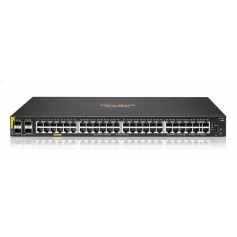
A smart managed switch (also called a web-managed or easy smart switch) gives you a limited set of management features, usually through a web interface: VLANs, QoS, port mirroring, link aggregation and basic monitoring. It costs less than a fully managed switch and suits small businesses that need some control without a full command line interface.
| Feature | Unmanaged | Smart managed | Fully managed |
|---|---|---|---|
| Setup | Plug and play | Web interface | Web, CLI, SNMP |
| VLANs | No | Yes | Yes, advanced |
| QoS | No | Basic | Advanced |
| Security (802.1X, ACLs) | No | Limited | Full |
| Layer 3 routing | No | Rare | Common |
| Price | Lowest | Medium | Highest |
An office with 10 to 40 devices, a VoIP phone system, a guest VLAN and a few cameras is well served by a smart switch.
It is a lighter form. It has fewer features and is configured by web interface only.
Usually not. An unmanaged switch is enough.










Comments (0)
No comment