No products
To be determined Shipping
$0.00 Total

Blog Categories
Archives
Latest Posts
Why businesses choose Cisco managed switches: VLANs, QoS, security, PoE control, monitoring and reliability, plus how IT teams review them.
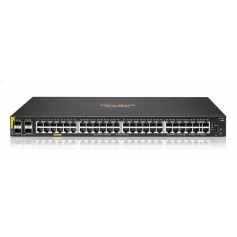
Cisco managed switches give you control over how traffic moves through your network. You can separate departments with VLANs, prioritize voice and video, lock down ports, monitor traffic and receive alerts. This control is why IT teams recommend managed switches for mission-critical networks, and Cisco is a common choice because of its feature depth and reliability record.
An unmanaged switch just passes traffic. A managed switch lets you isolate problems, stop loops, limit broadcast traffic and recover from faults. For networks with VoIP, cameras, point of sale or servers, those controls protect uptime.
Reviewers often praise Cisco switches for stability, feature depth and long service life. Common complaints are price, firmware that takes time to learn and, on Meraki, recurring licenses.
Basic setup takes under an hour with a web interface. Advanced features need planning.
If you have only a few computers and a printer, no. Once you add voice, cameras, guest Wi-Fi or servers, yes.










Comments (0)
No comment