No products
To be determined Shipping
$0.00 Total

Blog Categories
Archives
Latest Posts


APC Smart‑UPS vs Back‑UPS: compare features and business suitability.
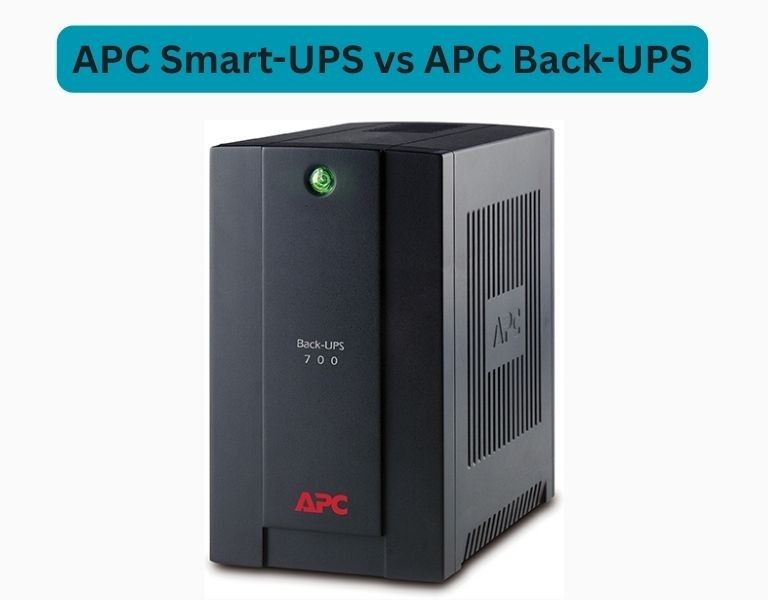
Choosing the right Uninterruptible Power Supply (UPS) is critical for maintaining uptime, protecting equipment, and avoiding data loss in business environments. APC offers two major UPS product lines:
Understanding the differences helps you match the right UPS to your power needs, budget, and reliability expectations.
Which UPS is right for business use?
Smart‑UPS units are built for business and data center usage. They feature:
Ideal for:
Servers, virtualization hosts, storage arrays, networking gear
Back‑UPS models are designed for basic power protection and smaller workloads:
Ideal for:
Small offices, workstations, printers, point‑of‑sale
| Feature | APC Smart‑UPS | APC Back‑UPS |
|---|---|---|
| Target Use Case | Enterprise & mission‑critical | Small business & home office |
| Output Type | Pure sine wave | Stepped approximation |
| Runtime Scalability | Yes (external battery packs) | Limited |
| Management | Advanced (network cards + software) | Basic |
| Form Factor | Rackmount & tower | Mostly tower |
| Surge Protection | Yes | Yes |
| Cost | Higher | Lower |
| Remote Monitoring | Yes | Limited or no |
Pros
Cons
Pros
Cons
Recommended: APC Back‑UPS
Use it for desktops, printers, POS terminals, and basic network switches where uptime is important but not critical.
Recommended: APC Smart‑UPS
Servers, storage units, and networking equipment demand clean power, management features, and scalable runtime.
Recommended: APC Smart‑UPS (mid‑range)
Remote locations benefit from remote monitoring and reporting.Choosing Based on Needs
| Priority | Recommended UPS Line |
|---|---|
| Low budget & basic protection | Back‑UPS |
| Business servers & network equipment | Smart‑UPS |
| Remote sites needing monitoring | Smart‑UPS |
| Desktops and small devices only | Back‑UPS |
The right choice depends on your equipment criticality, monitoring needs, and budget.














Comments (0)
No comment