Close

APC Rack Power Strategy: UPS vs PDU vs Battery Backup Explained

Posted on: Apr 1, 2026 | Author: Justin | Categories: APC, UPS, PDU

APC rack power strategy: UPS, PDU, and battery backup explained.
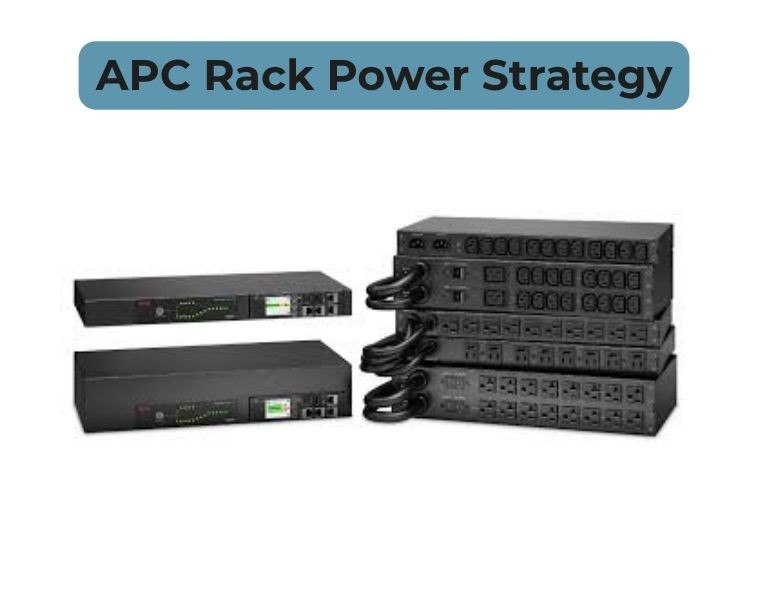
APC Rack Power Strategy: UPS vs PDU vs Battery Backup Explained

Introduction

Power management is critical in any enterprise server rack. Choosing the right combination of UPS (Uninterruptible Power Supply), PDU (Power Distribution Unit), and battery backup solutions can protect your equipment from downtime, surges, and power inconsistencies.

APC by Schneider Electric provides a wide range of rack power solutions. Understanding how these devices work together ensures your data center remains efficient, reliable, and scalable.

Quick Answer

Which rack power strategy should your enterprise use?

  • UPS: Provides backup power during outages and protects against surges.
  • PDU: Distributes power within the rack efficiently; metered PDUs monitor usage, switched PDUs allow remote outlet control.
  • Battery Backup: Extends runtime for critical systems and ensures graceful shutdowns during prolonged outages.

A combined strategy using all three ensures maximum uptime and protection.

UPS (Uninterruptible Power Supply)

Role in Rack Power Strategy

  • Maintains power during short outages or voltage drops
  • Protects sensitive equipment from surges and brownouts

APC UPS Features

  • Rackmount and tower form factors
  • Scalable runtime with external batteries
  • Remote monitoring via network management cards

Use Case:
Data centers needing continuous uptime for servers, storage, and networking equipment.

PDU (Power Distribution Unit)

Role in Rack Power Strategy

  • Efficiently distributes power from UPS to all rack devices
  • Helps organize power and reduce cable clutter

Types of APC PDUs

  1. Metered PDU: Monitors power usage at the rack level
  2. Switched PDU: Adds per-outlet control and remote power cycling

Use Case:
Essential for organized, scalable, and manageable server racks, especially in enterprise and colocation environments.

Battery Backup

Role in Rack Power Strategy

  • Provides additional runtime during extended outages
  • Ensures safe shutdown for critical systems

Features

  • External battery packs compatible with APC UPS
  • Hot-swappable for continuous operation
  • Extends runtime without affecting rack density

Use Case:
Ideal for mission-critical servers, network devices, and storage systems requiring prolonged uptime.

Rack Power Strategy Comparison

ComponentRoleKey BenefitTypical Use Case
UPS Backup power + surge protection Keeps servers online during outages Data centers, server rooms
PDU Power distribution Organizes rack power, monitoring & control Enterprise racks, multi-device setups
Battery Backup Extended runtime Protects against prolonged power loss Critical systems, remote sites

Best Practices for APC Rack Power Strategy

  1. Combine UPS + PDU + battery backup for maximum uptime
  2. Calculate total power load and add 20–30% margin
  3. Use switched PDUs for remote control in distributed environments
  4. Monitor UPS and PDU status regularly to prevent failures
  5. Plan for future expansion and scalability

Conclusion

A robust APC rack power strategy ensures your servers and networking equipment are protected, organized, and manageable.

  • UPS handles immediate power issues
  • PDUs distribute power efficiently
  • Battery backups extend runtime and prevent unexpected downtime

The right combination depends on your rack density, criticality, and management needs.

Comments (0)

No comment

Add a comment

You need to Login to add comments.

Close













