No products
To be determined Shipping
$0.00 Total

Blog Categories
Archives
Latest Posts


A complete guide on choosing the right APC UPS for your server rack, covering power calculations, runtime needs, UPS types, monitoring features, and scalability for reliable data center performance.
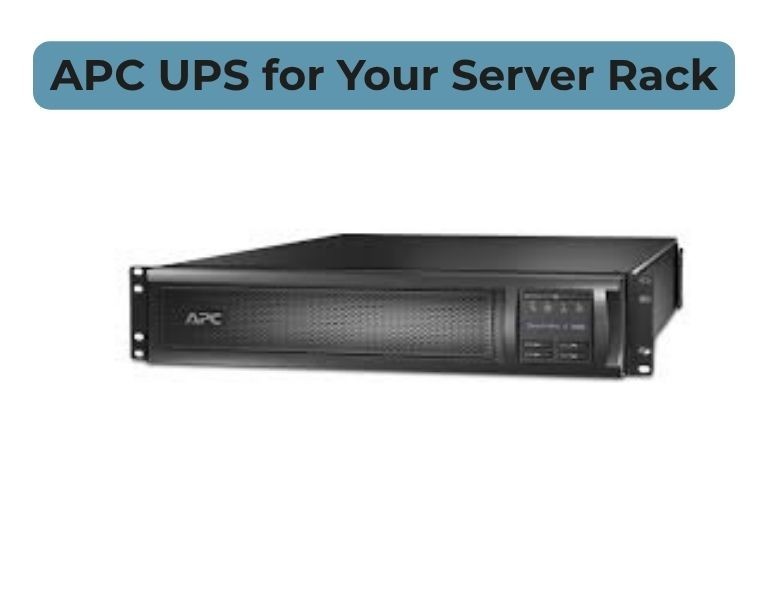
Uninterruptible Power Supplies (UPS) are a foundational component in any server rack environment. A UPS protects critical infrastructure from power outages, brownouts, and surges—ensuring uptime and safeguarding your data center equipment. When it comes to reliable UPS solutions, APC from Schneider Electric is one of the most trusted names in enterprise environments.
This guide will walk you through how to choose the right APC UPS for your server rack by covering power requirements, runtime needs, form‑factor considerations, and additional features that matter in real deployments.
To choose the right APC UPS for your server rack:
The best APC UPS balances capacity, uptime, and budget while protecting your server equipment.
Before selecting a UPS, you must determine how much power your rack equipment consumes.
How to calculate:
Tip:
Always oversize your UPS slightly to avoid overload during peak usage.
Runtime is how long the UPS will power your rack during an outage.
Typical scenarios:
APC UPS models with expandability or external batteries help deliver longer runtime.
Best practice:
For server racks, rackmount APC UPS units are typically preferred because they save space and maintain uniform airflow.
Modern APC UPS models offer advanced features:
These capabilities help you track battery health, runtime, and proactively resolve issues.
For mission‑critical deployments:
Redundant UPS configurations ensure uptime even if a UPS unit fails.
Parallel UPS systems can share power loads and increase reliability.
If uptime is essential, consider APC models with modular battery packs and hot‑swappable components.
When choosing an APC UPS, check:
Extended warranties and advance replacement programs can significantly reduce downtime risk in enterprise environments.
| Factor | What to Consider |
|---|---|
| Power Needs | Total load (VA/W) + margin |
| Runtime | Required minutes during outage |
| Form Factor | Tower vs rackmount |
| Management | Remote monitoring & alerts |
| Scalability | Expandable runtime & redundancy |
| Support | Warranty and service options |
Choosing the right APC UPS for your server rack requires careful planning and an understanding of your power needs, runtime expectations, and future growth. By following this structured approach, you can select a UPS that enhances uptime, safeguards equipment, and aligns with your data center strategy.














Comments (0)
No comment