No products
To be determined Shipping
$0.00 Total











Do you have a list of products you are looking to source?
Send us the whole list and get Special discounted prices


 View larger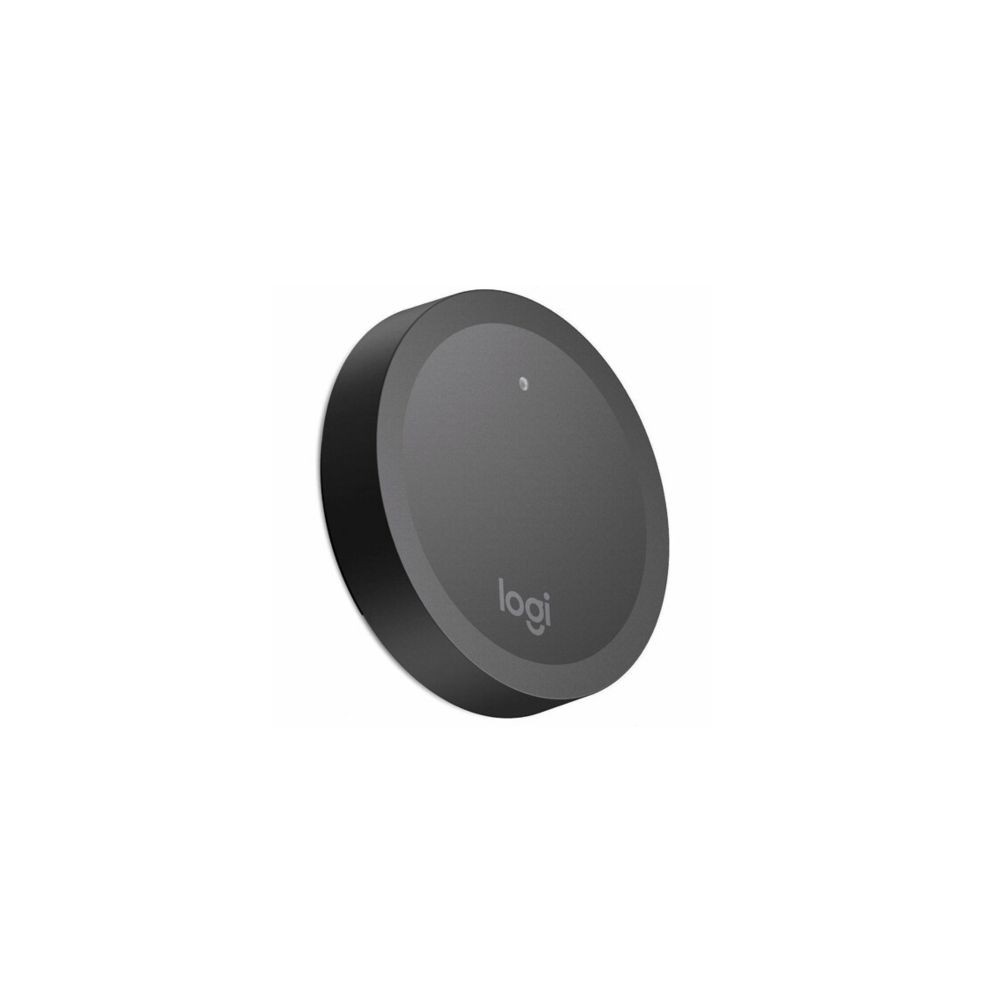
952-000226
New
In Stock
Warning: Last items in stock!
Availability date:
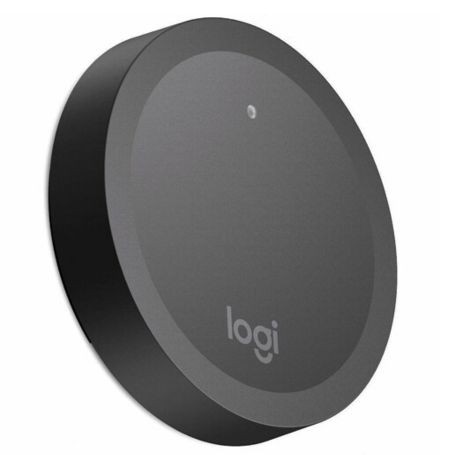
The Logitech 952-000226 Rally Camera Preset Button is a wireless camera-control accessory designed for the Logitech Rally Camera. It allows presenters to activate saved camera positions using a dedicated physical button placed at a convenient location in the room.
This accessory supports presentation and teaching environments where presenters need to move between different positions, such as a lectern, whiteboard or demonstration area, without manually operating the camera controls each time.
Each preset button provides access to a configured camera view. Once the corresponding preset has been configured on the compatible Rally Camera, pressing the button allows the presenter to recall that view.
Multiple buttons can be positioned around a room to provide convenient access to different saved views. Logitech specifies support for a maximum of five preset buttons per Rally Camera.
The Logitech Rally Camera Preset Button is designed for use with the Logitech Rally Camera. Logitech specifies a minimum Rally Camera firmware version of 254.123 for preset-button functionality.
Before deployment, confirm the camera firmware meets this requirement and configure the required camera presets. Compatibility with other Logitech camera models or third-party cameras is not established by the manufacturer's published specifications.
Check the Rally Camera firmware before purchasing this accessory for an existing installation. The camera must run firmware version 254.123 or later, and the desired views must be configured as presets. If multiple control points are required, plan their locations within the five-button maximum supported per camera.
| Brand | Logitech |
|---|---|
| Part Number / MPN | 952-000226 |
| Product Type | Wireless camera preset button |
| Product Name | Rally Camera Preset Button |
| Product Series | Logitech Rally Camera accessories |
| Colour | Graphite |
| Control Function | Activation of saved camera presets |
| Compatible Camera | Logitech Rally Camera |
| Minimum Camera Firmware | 254.123 |
| Maximum Buttons per Camera | 5 |
| Button Height | 15.2 mm |
| Button Diameter | 71.9 mm |
| Wall Mount Height | 5.8 mm |
| Wall Mount Diameter | 67.2 mm |
| Weight with Mount, without Batteries | 37.5 g |
| Weight with Mount and Two CR2032 Batteries | 43.2 g |
| Weight without Mount | 36.8 g |
| Battery Type | CR2032 |
| Warranty | 2-year limited hardware warranty |
| In the Box | Preset button, button mount, mounting hardware and documentation |
| UPC | 978550203861 |
The preset button is designed for the Logitech Rally Camera. Logitech does not specify compatibility with other camera models for this accessory.
Yes. The Rally Camera must run firmware version 254.123 or later for preset-button functionality.
Logitech supports a maximum of five preset buttons per Rally Camera.
Yes. Configure the desired camera views as presets so the buttons can recall the appropriate views during presentations or meetings.
The manufacturer lists the preset button, button mount, mounting hardware and documentation in the box. The Rally Camera is not listed as an included item.
All packages are shipped same day if the order is placed before 3PM CST
We use UPS/FedEx to ship the packages with different service levels offered by UPS/FedEx
Overnight Shipping take 1 business day
Expedited Shipping take about 2-3 business days
Ground shipping take about 3-5 business days
You can select the desired service level at Checkout and we will make sure the package is shipped as per the selected service level.
We Accept
i) PayPal
ii) All Credit & Debit Cards
iii) Purchase Orders
iv) Check
v) Bank Transfer/ACH/Wire Transfer
To process the order through Paypal/CC, you can simply checkout and process the payment.
If you want to issue us Purchase Order/Check/Bank Transfer, Please contact us at the following details
Call: 469.458.9636
Email: sales@dcsupplies.net
If you have any queries, please contact us at the following details and we will be happy to help
Call
469.458.9636
469.458.9638
Email
sales@dcsupplies.net



